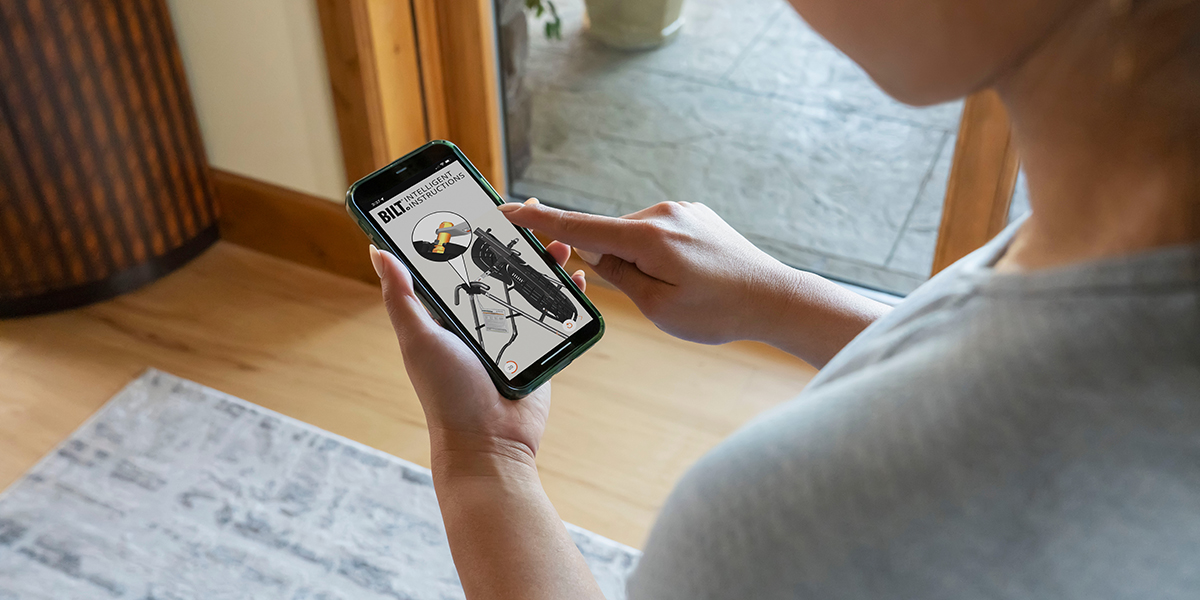
Opening a box of new fitness equipment invites one immediate question: How complicated is this going to be to put together?
Teeter products are designed to make setup as straightforward as possible, with many arriving largely assembled and including the tools needed to finish the job. And for anyone who prefers to see each step in action rather than rely on printed diagrams alone, Teeter offers interactive 3D assembly instructions through the free BILT® app.
What Is the BILT App?
BILT provides interactive assembly instructions that guide you through setup one step at a time. Instead of relying only on flat illustrations, you can follow a 3D model of your Teeter equipment on your phone or tablet.
The app combines visual instructions with written directions and optional voice guidance. You can move through the steps at your own pace, zoom in on individual parts, and rotate the 3D model when you need a better view of how something fits together.
To get started, download the free BILT app, search for Teeter, and select your product and model. Teeter assembly manuals also include a QR code that takes you directly to the corresponding guide.
See Teeter Assembly Instructions in 3D
One of the biggest advantages of BILT is being able to see the assembly process from more than one angle.
The interactive model lets you pinch to zoom in on smaller details, tap parts for more information, and drag the product to view it from another direction. If you are working on the back or underside of the equipment, for example, you can rotate the model until the view better matches what is in front of you.
That added perspective can take some of the guesswork out of figuring out how parts should line up before you secure them.
You can also pause while you complete a step, go back when you want another look, or move ahead when you are ready. Unlike a traditional assembly video, you control the pace and the view.
Designed to Make Setup More Manageable
BILT complements an assembly process that’s already designed to be manageable at home. Many Teeter products arrive with major components already assembled and the necessary tools included. Teeter also provides printed assembly instructions and assembly videos, so you can choose the format that works best for you or use them together as you go.
BILT isn’t required to assemble your Teeter, but it gives you another way to follow along if interactive instructions are easier for you. With step-by-step 3D guidance, you can see how the remaining parts fit together before moving on.
What Teeter Owners Say About BILT
Teeter owners frequently mention BILT when describing their assembly experience. Here’s what a few had to say:
"The step by step 3D instruction were clear, intuitive and very easy to follow."Pam
"Going at my own pace, rewinding when needed, and pausing was extremely helpful and efficient. When needed, I was able to zoom in and see closer details."The Whites
"This app was an excellent guide to allow for clear and straightforward assembly. I could rotate and zoom as needed."Kurtk7
Different features stood out to different owners, but the overall experience was much the same: BILT gave them the freedom to slow down, take a closer look, and feel more confident as they worked through assembly.
Assembly Made Easier
There’s no single instruction format that works best for everyone. Some people prefer a printed manual, while others find it easier to see each connection through pictures, video or interactive model.
With BILT, Teeter owners have a helpful alternative. Interactive 3D instructions, along with equipment made to make setup simpler, can make going from the box to a fully assembled product feel much less overwhelming.
Assemble Your Teeter with Confidence
Use the free BILT app to access official interactive 3D instructions for your Teeter product and follow assembly one step at a time.

 Discover Teeter Blog